Introduction
Many people are unaware that the difference between TRAE and Windsurf/Cursor is not just about which is stronger, but rather which is more suitable for you.
In the domestic development environment, this is particularly relevant. You might think you’re choosing an AI IDE, but often you’re actually selecting based on network reliability. Before you even start coding, the connection can test your patience. At this point, the advantages of domestic tools like TRAE become apparent, although they also have their shortcomings.
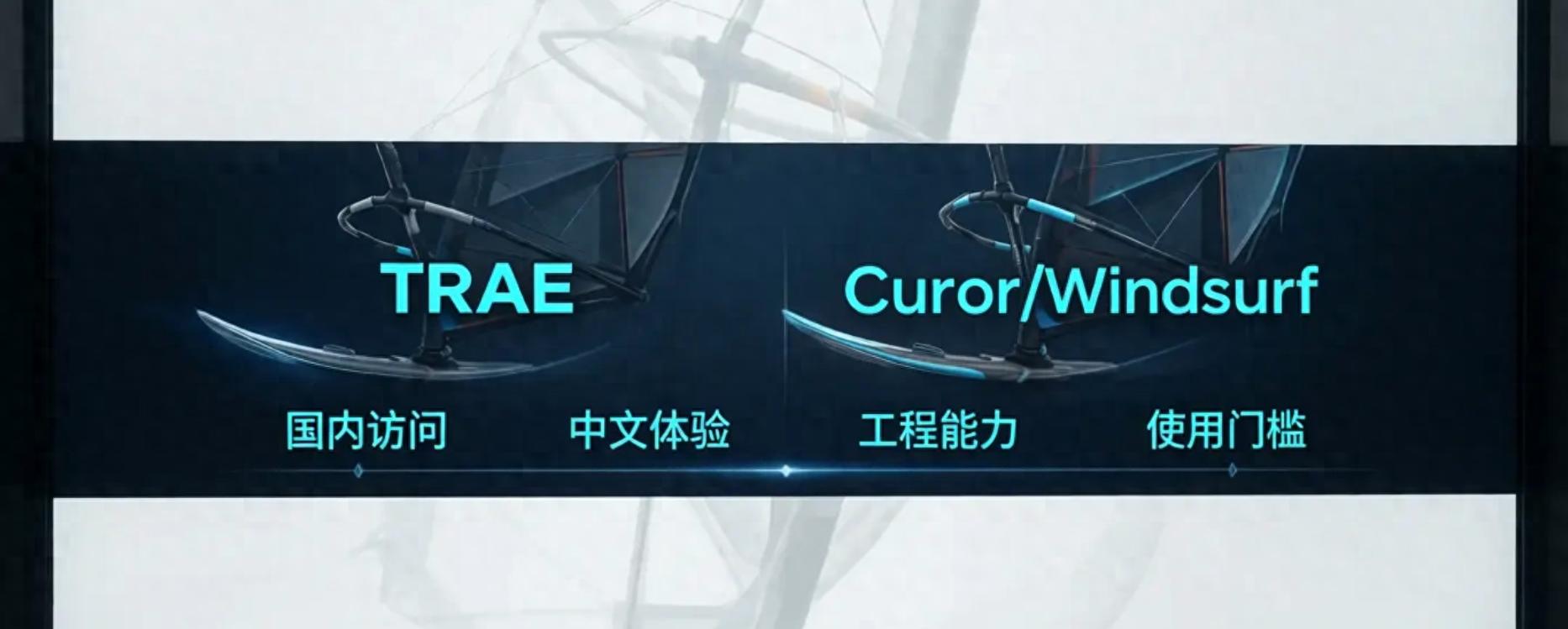
The Most Immediate Issue: Domestic Access
Windsurf and Cursor are foreign products. For domestic users, common issues often include:
- General instability in login and access
- More noticeable network latency
- Inconsistent response times during certain periods
- Updates, synchronization, and model calls can be affected by network issues
In short, if you want AI to help improve your efficiency, it sometimes first requires you to practice patience.
On the other hand, domestic tools like TRAE have the following advantages:
- Smoother access within China
- Lower barriers for registration and usage
- Generally better network stability
- More friendly to Chinese environments
This is crucial for high-frequency development. AI tools are not used once a day but repeatedly. If each call is delayed by two seconds, it can become frustrating over the course of a day.
Advantages of TRAE: Not Necessarily the Strongest, but More Reliable
Natural Understanding of Chinese
If you usually write comments, request features, or describe bugs in Chinese, TRAE often understands your requests more naturally. For example, if you say, “This list page needs a filter and should be mobile-compatible,” it can typically grasp the intent better.
More User-Friendly Cost
Many foreign AI IDEs have issues not only with network access but also with payment methods, subscription costs, and ongoing usage barriers. TRAE is usually more suitable for individual developers to start with, experiment, and get up and running quickly.
Closer to Everyday Domestic Development
Many personal full-stack developers engage in tasks such as:
- React/Vue page development
- Node.js API writing
- CRUD operations and debugging
- Small backend systems
- Personal projects or side gigs
In these scenarios, the most important factors for tools are not whether they can discuss advanced architectural theories, but rather how smooth, stable, and quickly they can produce results. In this regard, TRAE does have an advantage.
However, TRAE’s Shortcomings Must Be Addressed
Engineering Depth Often Lags Behind Windsurf and Cursor
Windsurf and Cursor excel in their mature integration of “AI + IDE + engineering context.” They typically offer a higher level of completion, especially in multi-file projects, cross-module modifications, and continuous understanding of context.
Complex Project Capabilities May Not Be Superior
If you are working on medium to large full-stack projects, complex state management, or legacy system refactoring, Windsurf and Cursor often feel like experienced veterans. TRAE is more like a reliable partner, but it may not always match the capabilities of top foreign tools in complex engineering scenarios.
Ecosystem Development is Still a Work in Progress
Currently, foreign tools tend to have richer tutorials, case studies, community discussions, and ecosystem support. While domestic tools are improving rapidly, they still need time to catch up in this area.
Strengths of Windsurf and Cursor
- Cursor is more focused on smooth daily coding, with natural integration of completion, modification, and chat features.
- Windsurf emphasizes task progression and engineering collaboration, feeling more like a proactive partner.
If you are consistently working on real projects rather than occasionally adding a few lines of code, you will notice this maturity difference.
But the honest truth remains: No matter how strong a tool is, if it doesn’t connect smoothly, it will affect the experience.
Choosing the Right Tool for Personal Full-Stack Development
If you are a domestic individual developer, my advice is straightforward:
- Prioritize ease of use, stability, and Chinese language friendliness: Choose TRAE
- Prioritize maturity, engineering capability, and overall experience: Choose Cursor or Windsurf
- If network conditions are average and you want to avoid hassle: TRAE is more realistic
- If you’re willing to deal with network issues for a more mature AI IDE experience: Cursor/Windsurf are worth trying
In simple terms:
- TRAE is like a car that drives well in domestic conditions.
- Cursor and Windsurf are like higher-performance cars but are more selective about road conditions.
Conclusion
For personal full-stack development, tools are not meant to be worshipped; they are meant to get work done.
The value of TRAE is not necessarily to completely surpass Windsurf/Cursor, but rather that in a domestic environment, it can more easily become a tool you can use long-term. The value of Windsurf/Cursor lies in their maturity, completeness, and being more like the next generation of AI IDEs.
Do you value “strength” more, or do you prioritize “stability”? Feel free to share your thoughts.
Comments
Discussion is powered by Giscus (GitHub Discussions). Add
repo,repoID,category, andcategoryIDunder[params.comments.giscus]inhugo.tomlusing the values from the Giscus setup tool.